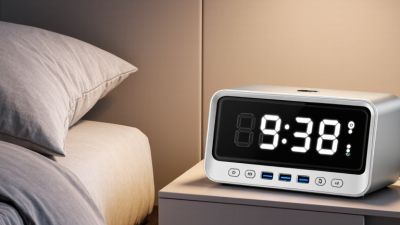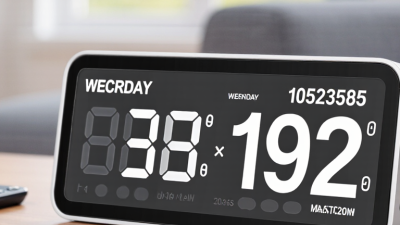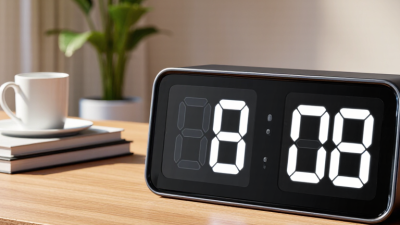
A Large Display Digital Clock should make time easier to read, not merely occupy more wall space. That distinction matters in bedrooms, kitchens, care settings, and home offices, where glare, viewing distance, and tiny controls can turn a simple glance into a squint. Small details matter. The World Health Organization’s World Report on Vision estimates that at least 2.2 billion people worldwide have near or distance vision impairment. That is not a clock-market forecast, but it highlights why legible digits and thoughtful contrast deserve attention.
Design expert Don Norman offers a useful principle: “Good design is actually a lot harder to notice than poor design.” For a clock, that means clear numerals, sensible brightness controls, and buttons that are easy to identify without a manual. A large screen alone is not enough. A bright display can still feel harsh at night, and an oversized clock can be awkward to set. We should admit that no single model suits every room or every reader.
This 2026 guide compares seven large-display digital clocks through practical details: digit visibility, alarm options, power backup, setup, and everyday usability. Where specifications differ, check the manufacturer’s latest listing before buying. The right choice should be readable from your usual viewing spot and simple to adjust when the room gets dark. Readability first.
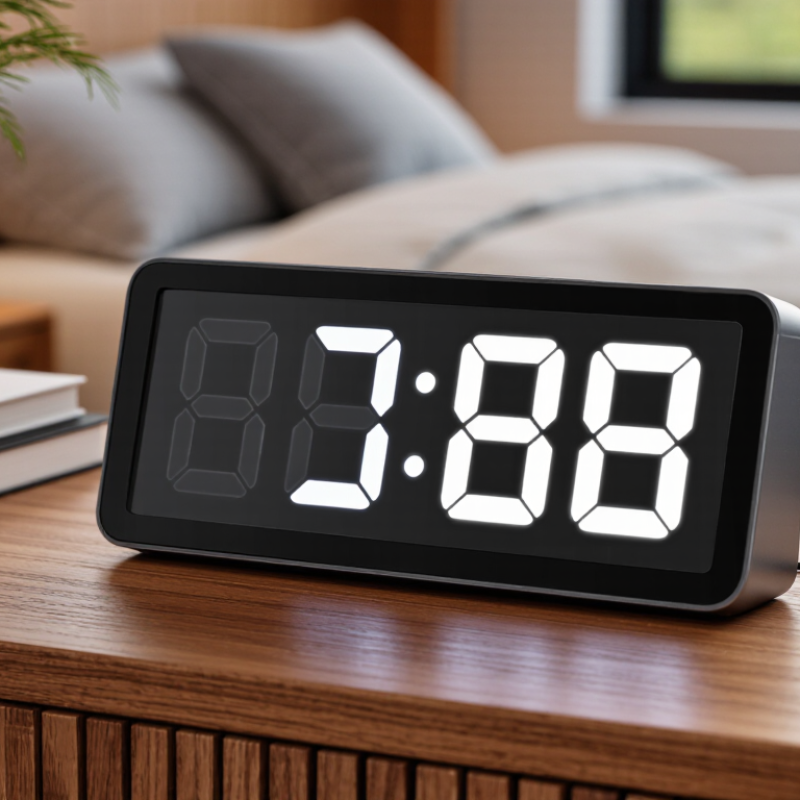
A large-display digital clock is designed to make time readable from across a room, not merely to look oversized on a shelf. Its usefulness depends on digit height, contrast, viewing angle, and glare. In a kitchen, a display should remain readable from the doorway; beside a bed, adjustable brightness can prevent a glowing screen from disrupting sleep. That matters.
Legibility has practical importance for many people. The World Health Organization’s World Report on Vision estimates that at least 2.2 billion people worldwide have near or distance vision impairment. A large display cannot replace appropriate vision care, but clear numerals and strong contrast may make everyday time checks easier. Bigger is not always better: reflective covers, cramped digit spacing, and excessive brightness can reduce readability.
Room choice also shapes the right clock. The U.S. Census Bureau reported that the U.S. population aged 65 and older reached 59.2 million in 2023, making accessible home displays a relevant consideration for many households. For bedrooms, compare dimming controls and alarm settings; for shared spaces, check visibility from typical seating positions. A clock may also need a battery backup after a power interruption. One detail is easy to overlook: a bright screen can still be hard to read in direct sunlight.
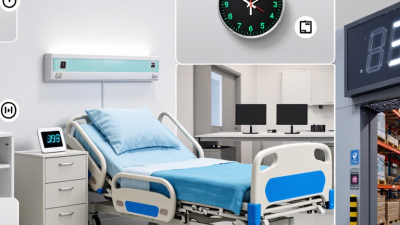
Large display clocks are easiest to judge from your usual viewing distance, not from product photos. Sit where you normally check the time, then see whether the digits stay clear across the room. Contrast matters as much as size. Bright numerals can look crisp, but window glare may wash them out. Check for adjustable brightness, especially for bedside use. Too bright at night. Too dim by day.
Look for a screen that shows useful information without crowding the display. Time, date, and weekday can help, but tiny secondary text misses the point. Multiple dimmer levels offer more control than a simple on-off setting. Automatic dimming can be convenient, though a nearby lamp or passing shadow may affect its sensor. Buttons should be easy to find and press, without a maze of menus. Power details matter too: battery backup may preserve settings during an outage, while the display itself may still go dark. That distinction is easy to miss. Check whether the clock supports your preferred time format and sits steadily on a bedside table. Small details matter, though no display works perfectly in every room.
When comparing large-display digital clocks, start with the room and viewing distance. A tall digit may look impressive online but remain hard to read from across a bright kitchen. Check the actual digit height, viewing angle, and contrast, not just the screen’s overall size. Distance matters. A high-contrast display is often easier to scan, while adjustable brightness helps prevent glare in a dark bedroom.
Consider which information must stay visible. Some clocks show only the time; others add the day, date, or indoor temperature. More details can be useful, but crowded screens may slow a quick glance. Compare 12- and 24-hour formats, alarm controls, and whether the buttons are easy to identify without turning on a light. Small labels can be surprisingly frustrating.
Power options deserve a close look. A backup battery may preserve settings during an outage, but it may not keep the display lit. Check the instructions rather than assuming. If possible, view the clock from its intended spot both in daylight and at night. Test it at night. I would also give extra weight to simple setup and reliable timekeeping; a long feature list is less helpful if changing the alarm takes several steps. Even careful comparisons cannot predict every room’s glare, so that part is worth reconsidering after installation.
A practical comparison of common large-display clock types. Screen dimensions and features shown are typical configurations, not specifications for a particular product; check the individual model listing before buying.
| Clock Type | Best For | Typical Display | Time & Readability | Power | Common Features | What to Check Before Buying |
|---|---|---|---|---|---|---|
| 1. Large LED Wall Clock | Living rooms, offices, classrooms, and other spaces where time must be visible from across the room | Usually a large-format display, often around 10–16 inches wide; bright LED digits | High-contrast numerals; commonly offers 12- or 24-hour time | Typically AC-powered; some models include a backup battery for time retention | Automatic brightness adjustment on some models; date, day, or temperature display may be included | Digit height, viewing angle, brightness control, backup behavior, and whether the power adapter is included |
| 2. Extra-Large Bedside Digital Clock | Bedrooms and bedside tables, especially for people who prefer a clear display at a glance | Large LED or LCD numerals; compact case designed for tabletop use | Often has adjustable brightness or a dimmer to reduce nighttime glare | Commonly AC-powered, sometimes with battery backup | Alarm, snooze, 12/24-hour format, and sometimes separate weekday and weekend alarms | Lowest dimmer setting, alarm volume, snooze controls, and whether settings survive a power outage |
| 3. Day-and-Date Digital Clock | Older adults, caregivers, and anyone who benefits from explicit day and date information | Large LCD or LED screen; some displays use words for the day of the week | Designed to show time alongside the day, date, and sometimes part of the day | Usually AC-powered; backup varies by model | Automatic time updates may be available on radio-controlled versions; some offer multiple languages | Text size, language options, daylight-saving adjustment, and whether the date format is easy to understand |
| 4. Large Digital Alarm Clock with Dual Alarms | Couples, shift workers, or households with different wake-up times | Large tabletop display, commonly LED; brightness levels vary | Clear time display with 12/24-hour selection on many models | Typically mains-powered, with battery backup on some models | Two alarms, snooze, selectable alarm sounds, and sometimes a gradual wake-up option | Whether alarms can be set independently, alarm volume range, snooze duration, and backup limitations |
| 5. Large-Display Atomic Digital Clock | Users who want automatic time synchronization where a compatible radio time signal is available | Large LCD or LED numerals; some models also display date and indoor temperature | May automatically correct time and daylight-saving changes when signal reception is successful | Often battery-powered; some versions use an adapter | Radio-controlled timekeeping, calendar display, and optional alarm functions | Signal coverage in your location, reception near the intended mounting spot, and manual setting options |
| 6. Large Outdoor-Readable Digital Clock | Covered patios, workshops, garages, or bright indoor spaces | High-brightness LED display; some designs use weather-resistant housings | Built for visibility in bright conditions; readability still depends on viewing angle and direct sunlight | Usually AC-powered; battery-only options are less common for very bright displays | Large numerals; some models include a weather-resistant enclosure or remote control | Indoor/outdoor rating, temperature range, sunlight visibility, mounting method, and protection from rain |
| 7. Large Projection Digital Clock | Bedrooms where a time display projected onto a wall or ceiling is preferred | Large tabletop unit with a separate projected time image | Projection focus, rotation, and distance affect image size and sharpness; the built-in screen remains useful in daylight | Typically AC-powered; backup batteries may preserve settings but may not run the projection | Projection angle adjustment, alarm, snooze, and sometimes indoor temperature display | Projection distance, focus adjustment, image rotation, brightness control, and what battery backup actually supports |
Seven large-display digital clocks to consider in 2026 should solve different daily problems, not just show oversized numerals.
The U.S. Census Bureau projects that one in five Americans will be 65 or older by 2030, making clear displays and simple controls increasingly relevant.
Still, age alone does not determine what works; viewing distance, glare, and nighttime brightness matter too.
Consider seven styles:
Check whether brightness adjusts smoothly, not merely between “bright” and “dim.” Small detail.
One easy-to-miss flaw: large digits can still look washed out under window glare. Measure the intended viewing distance, then compare the numeral height and controls in person when possible.
A loud alarm may help one sleeper and frustrate another. Check that, too.
A large display works best when its numbers are easy to read from the place you actually use the room. Measure the distance from your bed, sofa, or workbench before choosing a clock. Measure the wall, too. A wide display can dominate a narrow bedside table, while a compact model may disappear across a bright living room. Bigger is not always better.
Think about the room’s light and routine. In a sunny kitchen, strong contrast and adjustable brightness help keep the time visible without squinting. In a bedroom, dimming matters; an always-bright screen can feel intrusive after lights-out. Check whether controls are easy to reach, especially if the clock will sit high on a shelf. Simple buttons may be more useful than extra features you rarely touch.
Power deserves a moment of attention. Some clocks rely on an outlet, while others use batteries or provide backup during an outage. Check the power details before deciding where it will go. A cord stretched across a walkway is a poor trade for a clearer display. It is tempting to compare screen size alone, but comfort, visibility, and placement usually shape daily use more. A small compromise may be fine. The clock should suit the room, not force the room to suit it.
Suggested minimum numeral height by viewing distance
Heights are calculated to subtend approximately 1° of visual angle using basic viewing geometry. Choose larger numerals for easier reading, especially in dim rooms or for viewers with low vision.