Leave Your Message

Top 10 Types of Elderly Clocks for Seniors?

Choosing a clock can become more complicated when small numbers, quiet alarms, or confusing buttons make time harder to read. An Elderly Clock should fit the person, not just look suitable on a product page. For one senior, a bright digital display may be easiest to see from across a bedroom. Another may prefer a familiar analog face, a spoken time announcement, or a clock that shows the day and date in large letters. Small details matter. So does the room.

This guide introduces ten types, including large-display digital, talking, atomic, calendar, alarm, projection, dementia-friendly, analog, medication-reminder, and smart clocks. Each offers different features, but none is right for everyone. A voice function may help someone with limited vision, yet bother a light sleeper. A smart clock can offer extra options, though setup may feel like too much work. Power requirements, display contrast, sound controls, and button size deserve a close look. If possible, test the clock in its intended place and check whether its instructions are easy to follow. A clock that seems simple in a shop can feel different at night. The categories also overlap; real needs are rarely as tidy as a top-ten list suggests. The aim is not to find the most advanced model, but one that makes daily routines clearer and more comfortable.
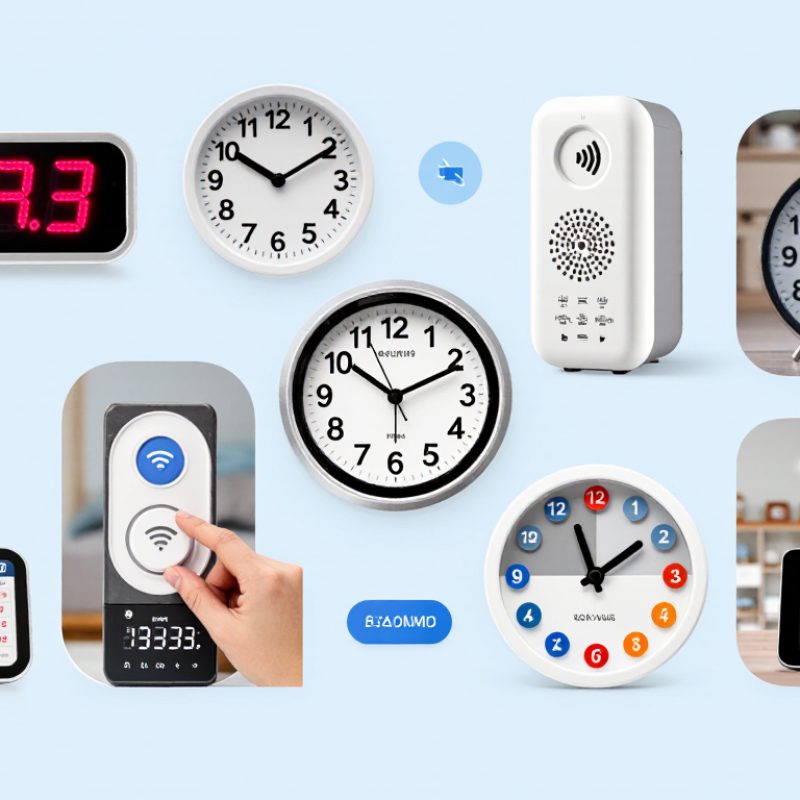
Top 10 Types of Elderly Clocks for Seniors?

Essential Features in Clocks Designed for Seniors

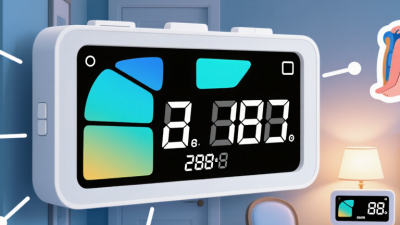
A clock for a senior should make the time easy to read from a bed, chair, or kitchen table. Large digits and strong contrast help, especially in rooms with dim light. Contrast matters. A matte screen can reduce glare from a nearby window or bedside lamp. Showing the day and date may also help with daily routines, but extra information should not crowd the display. Alarm volume should be adjustable, with a clear sound that is noticeable without being startling.

Controls should be easy to distinguish by touch, particularly for someone with reduced vision or stiff fingers. A backup battery can preserve the time during a brief power outage, though it may not keep every feature running. Check how brightness changes at night; a bright display can disturb sleep, while one that dims too far may be hard to read.

Needs vary. A large clock is not automatically easier if its buttons are tiny or its menu is confusing. Place it where it will actually be used, then check the viewing angle and sound level. Test it at home. One detail worth reconsidering is whether a spoken-time feature is helpful or simply adds another setting to manage.
Large-Face, Analog, Digital, and Day-Date Clocks

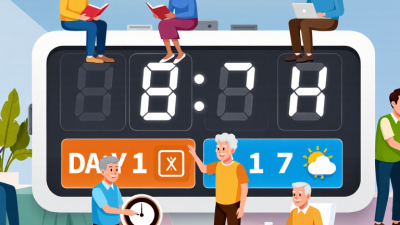
A large-face clock can make the time easier to spot from across a bedroom or kitchen. Look for clear numerals, strong contrast, and hands that do not blend into the background. A wide face is not automatically easier to read, though. Glare from a window or a crowded design can undo the benefit. Place the clock where it is visible from a favorite chair, then check it at different times of day.

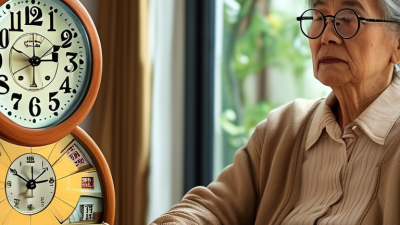
Analog clocks suit seniors who recognize moving hands quickly and prefer a familiar display. Choose distinct hour and minute hands, with uncluttered markings. Some people find digital clocks simpler because the time appears in large numbers without any hand-reading. Check brightness at night; a glowing display can be helpful, or bothersome in a dark room. Small details matter.

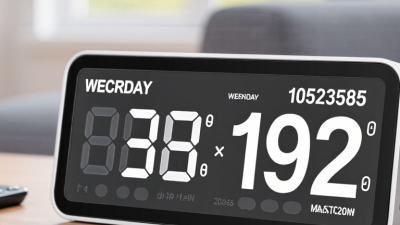
Day-date clocks show the weekday and calendar date alongside the time. This can help orient someone who loses track of the day, especially when the display uses full words rather than abbreviations. Verify that the clock adjusts correctly for daylight-saving changes and month lengths. Do not assume every senior wants more information on one screen. Ask what they actually look at, and test the display from their usual seat. A little trial and error is normal.

Talking, Tactile, High-Contrast, and Projection Clocks

For seniors who struggle to read a bedside clock, the display style can matter more than extra features. Talking clocks announce the time aloud at a button press or set intervals. They can help in a dim room, but loud or frequent announcements may disturb a sleeping partner. Check whether the volume is adjustable and whether the controls are easy to find by touch.

Tactile clocks use raised markers or distinct hands that can be felt. They suit people with limited vision, though small markings may be difficult for numb or stiff fingers. Try operating one while seated, not just viewing it in a shop. That matters. High-contrast clocks use large digits against a clear background, such as black numbers on a pale face. Avoid glossy surfaces if window light creates glare, and check that the hands do not blend into the dial.

Projection clocks display the time on a wall or ceiling, reducing the need to lift or turn the head. Their usefulness depends on room layout, focus, and brightness; a projector that looks crisp in daylight may wash out at night. Look for simple controls and a dimming option. It is easy to overlook this detail. No clock fits every person, and even a readable display can feel confusing if its buttons are tiny or poorly labeled.

Atomic and Medication Reminder Clocks

Atomic and medication reminder clocks solve different problems, though both can make daily routines easier.

An atomic clock receives a radio time signal, such as the U.S. WWVB signal maintained by the National Institute of Standards and Technology. It can correct time automatically, but thick walls, metal buildings, and poor signal reception may interfere. Not every home works. Check the display after setup, especially when daylight-saving changes occur.

Medication reminder clocks use alarms, flashing indicators, or spoken prompts to mark scheduled doses.

The World Health Organization’s 2003 report, Adherence to Long-Term Therapies: Evidence for Action, estimated that adherence to long-term treatment averages about 50% in developed countries. A reminder may help, but it cannot confirm that medicine was taken or replace clear instructions from a clinician.

Look for large, high-contrast digits, adjustable alarm volume, and labels that are easy to read across a bedroom. For someone with hearing or vision loss, test the alert in the actual room. Small details matter.

Alarm fatigue is real, and a clock that keeps sounding after a dose can become confusing. Match reminder settings to the prescribed schedule, and ask a pharmacist or clinician before changing that schedule.

Matching Clock Types to Vision, Hearing, and Memory Needs

A clock should make time easier to understand, not add another task. For reduced vision, consider a large-display digital clock with bold numerals, strong contrast, and a matte screen. Check it from the bed or favorite chair; a clear display across the room can look tiny at arm’s length. Some seniors prefer familiar analog hands, but thin hands and crowded markings may be difficult to distinguish. Glare matters, too.

For hearing needs, a talking clock can announce the time on demand, while an alarm clock with a flashing light or vibration offers a visual or tactile cue. Test the alarm in the actual bedroom. Curtains, a closed door, or background noise can change what is noticeable. Louder is not always better, especially if it startles the user. Keep controls simple.

Memory changes call for clocks that show the weekday, date, and time of day in plain words, such as “Tuesday, 8:15 in the morning.” That detail may reduce mix-ups between morning and evening. It is not a cure for confusion. Needs differ, and I would not assume one display suits everyone. Let the senior try the clock for several days, then notice which details they read easily and which settings they keep changing.

Top 10 Types of Elderly Clocks for Seniors — Matching Clock Types to Vision, Hearing, and Memory Needs
Clock Type How It Works May Suit These Needs Practical Considerations
1. Large-Display Digital Clock Shows the time in large numerals, often with adjustable brightness and a high-contrast screen. People who have difficulty reading small clock faces or distinguishing fine details. Check the viewing distance, numeral size, screen glare, and whether brightness can be lowered at night.
2. Talking Clock Announces the time aloud when a button is pressed; some models can also speak the date or day. People with significant vision loss or those who find reading a display difficult. Consider volume control, speech clarity, button size, and whether the clock can be operated without accidentally changing settings.
3. Day-and-Date Clock Displays the day of the week and calendar date alongside the time, often using text rather than abbreviations. People who lose track of the day or have difficulty remembering the date. Look for a clear, uncluttered layout and automatic time adjustment if daylight-saving changes are relevant.
4. High-Contrast Analog Clock Uses distinct hands, large numerals, and strong contrast between the face and markings. People who prefer a traditional clock face and can interpret the position of clock hands. A quiet movement can reduce ticking noise. Avoid decorative faces or thin hands that are hard to distinguish.
5. Atomic or Radio-Controlled Clock Receives a time signal in supported regions and automatically corrects the displayed time. People who want to avoid resetting the clock after time changes or minor timekeeping drift. Signal reception varies by location and building. Confirm that the clock supports the local time signal and has a manual-setting option.
6. Vibrating Alarm Clock Uses a vibrating pad, often placed under a pillow or mattress, as an alarm cue; some models also use sound. People who may not hear a standard alarm, including some people with hearing loss. Check vibration strength, placement instructions, alarm controls, and whether a visual or audible backup is available.
7. Projection Clock Projects the time onto a nearby wall or ceiling, usually with a digital display on the clock itself. People who have difficulty seeing a bedside display without sitting up or turning toward it. Projection clarity depends on distance, surface, room darkness, and focus adjustment. Some displays may be distracting at night.
8. Reminder or Multi-Alarm Clock Provides multiple scheduled alarms or reminders for daily routines, appointments, or other tasks. People who benefit from prompts to follow a routine or remember scheduled activities. Choose simple controls and clear labels. An alarm is a prompt, not a guarantee that a task or medication has been completed.
9. Dementia-Friendly Day Clock Uses a simple display with the full day and time of day, such as “Monday morning,” rather than relying only on numerals. Some people with memory difficulties who become confused about the day or whether it is morning or evening. Needs vary from person to person. A straightforward display and consistent placement may be easier to use than extra features.
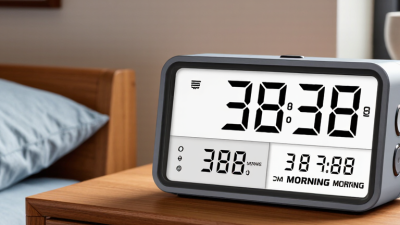
10. Adjustable-Brightness Bedside Clock Allows the display brightness to be dimmed, turned off, or adjusted automatically in response to room lighting. People who need a visible bedside clock but are sensitive to bright light while sleeping. Confirm that the time remains easy to read at the selected setting and that brightness controls are simple to operate.