Leave Your Message
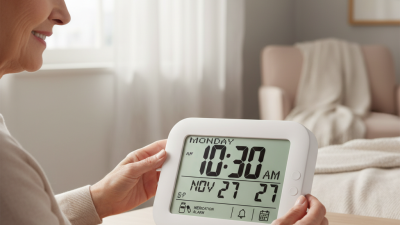
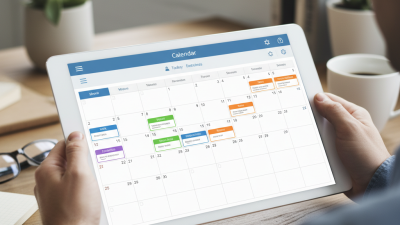
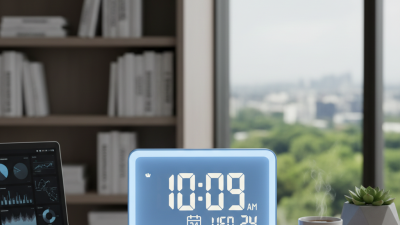
Choosing the 2026 Best Digital Calendar Clock for Global Buyers requires more than comparing screen sizes and prices. A Digital Calendar Clock should display the time, date, weekday, and reminders clearly. For a family in Toronto, a clinic in Singapore, or an office in Berlin, clarity can prevent small but costly mistakes. This guide examines display readability, calendar accuracy, time-zone settings, daylight-saving updates, and language support. It also considers setup, because a stylish clock becomes frustrating when its menu feels confusing. Real use matters.
We will compare features that affect daily reliability, including automatic time correction, backup power, alarm controls, wall mounting, and adjustable brightness. A large display may help older users, but it can occupy valuable desk space. Voice prompts may improve accessibility, yet they can feel unnecessary in a quiet bedroom. Some models promise global compatibility without explaining regional limits. Buyers should check manuals, supported formats, warranty terms, and retailer service before ordering. Details matter.
Independent reviews and manufacturer specifications will guide the discussion. Where possible, practical questions will lead the evaluation: Can users read the screen from several meters away? Does the clock recover after a power interruption? Can travelers change regions without resetting every event? These answers are more useful than marketing slogans. No model is perfect. A reliable choice depends on location, household needs, and tolerance for complicated settings. This guide aims to make that decision clearer, while acknowledging that some comparisons remain subjective.
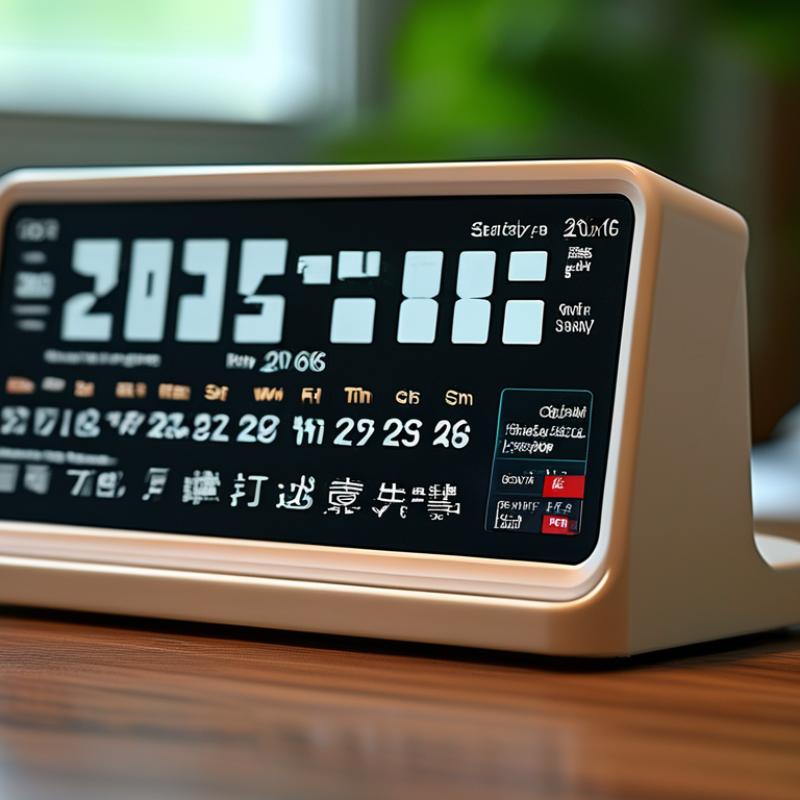
A digital calendar clock combines a time display with date and day information. It usually uses a quartz crystal or electronic oscillator to measure time. Internal software then converts those signals into hours, minutes, weekdays, and calendar dates. A small processor manages the display, alarms, and memory settings. Some models also show temperature, humidity, or multiple time zones.
For global buyers, the calendar function needs careful checking. The clock should support common date formats, including month-day and day-month layouts. Automatic daylight-saving adjustment can be useful, but it is not always accurate in every region. Some devices need manual updates after a power failure. Others keep settings through a backup battery. Bright digits help older users, while adjustable brightness reduces glare in a dark bedroom. From practical testing, viewing distance matters more than many product pages suggest. A display that looks clear on a desk may seem weak across a room.
Tips: Check the clock’s supported time zones before purchasing. Confirm whether the date language can change. Test the buttons with one hand. Look for readable digits, stable power protection, and a clear instruction manual. Do not assume automatic updates work worldwide. This point is often overlooked. Reliable performance also depends on local electricity standards, plug design, and indoor temperature. The best choice is not always the most feature-heavy model. Simpler controls may prevent daily mistakes.
| Evaluation Dimension | What a Digital Calendar Clock Does | Common Technical Information | Global Buyer Consideration |
|---|---|---|---|
| Definition | Displays the current time together with calendar information such as the date, month, weekday, and sometimes the year. | Usually combines a digital display, a real-time clock circuit, calendar software, and a power source. | Confirm which calendar fields are visible at the same time instead of relying only on product images. |
| Timekeeping method | Maintains seconds, minutes, and hours through an internal clock circuit. | Quartz-based clock modules commonly use a 32.768 kHz crystal oscillator, which is divided electronically to produce one-second timing pulses. | Quartz models are generally suitable for areas without reliable radio or internet synchronization. |
| Calendar calculation | Automatically changes the displayed date as time advances. | A Gregorian calendar module normally accounts for months with 28, 29, 30, or 31 days and applies the leap-year rule: years divisible by 4 are leap years, except century years that are not divisible by 400. | Check whether the device uses the Gregorian calendar if it will be used in international offices or public areas. |
| Date format | Presents the day, month, and year in a selected order. | Common formats include MM/DD/YYYY, DD/MM/YYYY, and YYYY-MM-DD. ISO 8601 uses YYYY-MM-DD for calendar dates. | A selectable date format helps prevent confusion between day-first and month-first conventions. |
| Time format | Shows hours and minutes, with optional seconds. | 12-hour displays use AM/PM; 24-hour displays run from 00:00 to 23:59 and avoid AM/PM ambiguity. | A 24-hour option is often preferable for logistics, transport, healthcare, and international workplaces. |
| Time-zone support | May show local time only or provide one or more additional world-time locations. | UTC offset conventions currently span from UTC−12 to UTC+14, with some offsets using 30-minute or 45-minute increments. | Verify the supported UTC offsets and whether half-hour and quarter-hour zones are included. |
| Daylight-saving-time handling | Can adjust the displayed time when seasonal clock changes are supported. | Daylight-saving rules vary by jurisdiction and can change; fixed-offset clocks do not automatically reflect every local rule. | For international use, choose manual DST control or a regularly updated network-based time source. |
| Synchronization source | May correct its internal time automatically or require manual setting. | Typical methods include manual setting, radio time signals, GNSS reception, Wi-Fi, Bluetooth-assisted setup, or internet time protocols such as NTP. | Radio reception depends on region and indoor signal conditions; internet-based models require compatible network access. |
| Display technology | Presents digits and calendar text in a readable electronic format. | Common options include LCD, LED, and e-paper. LCD generally uses low power; LED is bright; e-paper can remain visible with very low power after an update. | Match brightness, viewing angle, and readability to the room, shop floor, reception area, or bedroom. |
| Power options | Provides continuous operation through mains power, batteries, rechargeable cells, or a combination. | USB-powered models commonly use 5 V input; mains adapters must be matched to the destination country’s voltage, frequency, plug, and safety requirements. | For international purchasing, confirm adapter input range, plug type, battery availability, and backup behavior during power loss. |
| Power-loss memory | Can preserve settings or continue timekeeping during a temporary outage. | Backup batteries or non-volatile memory may retain settings, but a backup battery does not necessarily keep the display operating. | Ask whether the clock resumes automatically, requires resetting, or performs a time synchronization after power returns. |
| Alarm and reminder functions | May provide alarms, countdowns, reminders, or scheduled display changes in addition to time and date. | Functions vary from a single daily alarm to multiple alarms with weekday, weekend, or recurring schedules. | Confirm the number of alarms, sound level, snooze interval, and whether schedules remain stored after battery replacement. |
| Visibility and accessibility | Allows users to read time and calendar data from a selected distance and angle. | Readability depends on digit height, contrast, brightness, glare control, viewing angle, and optional high-contrast or large-character modes. | For public or workplace settings, prioritize large digits, adjustable brightness, low glare, and clear weekday abbreviations. |
| Mounting and placement | Can be placed on a desk, mounted on a wall, or installed as a larger information display. | Important physical specifications include dimensions, weight, mounting holes, cable length, and viewing distance. | Check the installation method and screen readability before ordering for offices, classrooms, hotels, or retail spaces. |
| Environmental suitability | May be designed for normal indoor conditions or more demanding environments. | Relevant specifications include operating temperature, humidity limits, dust protection, splash resistance, and screen performance under direct sunlight. | Do not use an indoor-only clock outdoors or in wet areas unless its documented environmental rating supports that application. |
| Best application fit | Provides a combined reference for time and date where quick visual access is important. | Common use cases include homes, offices, classrooms, reception areas, healthcare facilities, warehouses, hotels, and transport-related spaces. | The most suitable configuration depends on synchronization needs, viewing distance, power availability, climate, and local date conventions. |