How to Use a Digital Calendar for Effective Time Management?
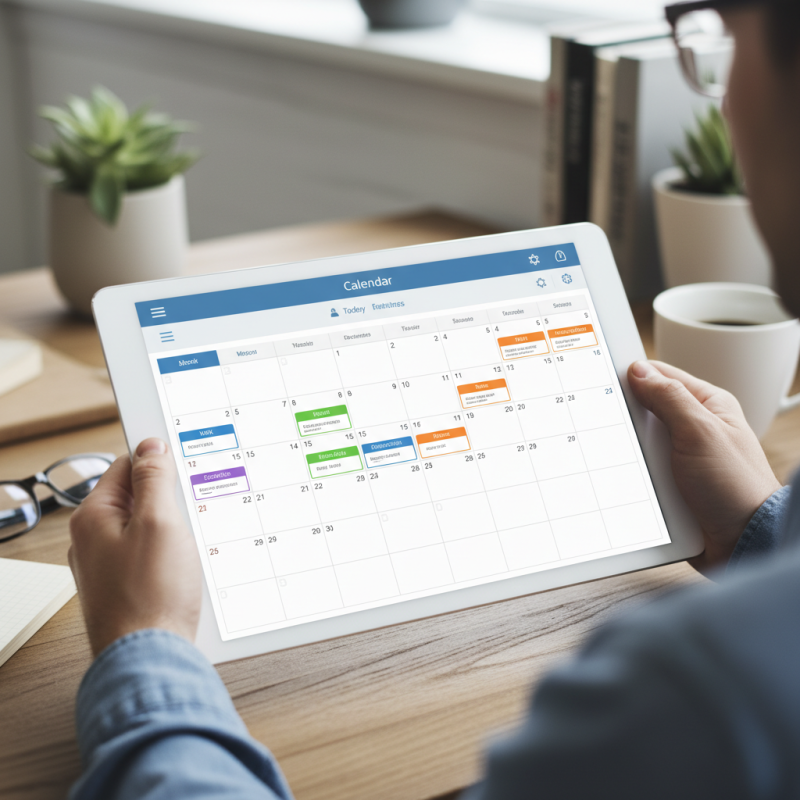
In today's fast-paced world, effective time management is crucial. A Digital Calendar can be a lifesaver. It helps organize tasks, appointments, and deadlines effortlessly. With a few taps, you can schedule meetings and set reminders.
However, many users struggle with this tool. They may forget to update their Digital Calendar regularly. Relying entirely on notifications can lead to chaos. It’s essential to reflect on how often you check your schedule. A Digital Calendar should complement your routine, not complicate it.
Many people underestimate the power of visualization. Color-coded events can make your day clearer. Yet, overloading your calendar with tasks can cause stress. Finding balance is key. A Digital Calendar can enhance your productivity if used mindfully.
Benefits of Using a Digital Calendar for Time Management
Digital calendars offer numerous benefits for effective time management. They help keep tasks organized and boost productivity. A well-structured digital calendar allows users to visualize their commitments. This means fewer missed appointments and deadlines. Notifications and reminders ensure important tasks are never overlooked. A notification can be a gentle nudge to keep you on track.
In addition to organization, digital calendars enhance collaboration. Teams can share calendars, making scheduling meetings easier. This shared visibility reduces the back-and-forth often seen with traditional methods. However, it might also lead to overscheduling. Balancing digital communication is vital for maintaining clarity and avoiding conflicts.
Task prioritization becomes simpler with a digital calendar. You can color-code tasks based on their urgency. This visual guide promotes better decision-making. Yet, it’s easy to fall into the trap of overloading your schedule. Reflection on your workload is necessary to avoid burnout. Adapting your planning strategies will lead to better outcomes over time.
How to Use a Digital Calendar for Effective Time Management? - Benefits of Using a Digital Calendar for Time Management
| Feature |
Benefit |
User Type |
| Event Reminders |
Helps users to not miss important deadlines. |
Professionals |
| Task Management |
Enables prioritization and tracking of tasks. |
Students |
| Shared Calendars |
Facilitates collaboration and coordination with teams. |
Project Managers |
| Color Coding |
Visual differentiation of tasks for better organization. |
Creatives |
| Access from Anywhere |
Allows users to manage time on the go. |
Travelers |
Understanding Different Types of Digital Calendars and Their Features
Digital calendars have become integral to effective time management. Understanding their different types and features can greatly enhance productivity.
There are primarily three categories: cloud-based, desktop, and mobile calendars.
Cloud-based calendars, like Google Calendar, allow synchronization across devices, which is essential for today's on-the-go lifestyle.
On the other hand, desktop calendars offer robust features for heavy-duty scheduling. Mobile calendars provide convenience, enabling users to manage their time from anywhere.
Tips: Utilize reminders wisely. Setting reminders for meetings or deadlines keeps you accountable.
Make sure to review your calendar daily. This practice can highlight potential scheduling conflicts.
Research shows that using digital calendars can improve productivity by 25%.
However, many still overlook certain features like shared calendars, which promote teamwork.
Utilizing color coding for different tasks can help clarify priorities at a glance.
It's easy to get carried away with features, yet simplicity often yields the best results. Regularly reflect on your scheduling habits.
Are you overcommitting? Understanding your limits matters.
Integrating Your Digital Calendar with Productivity Tools and Apps
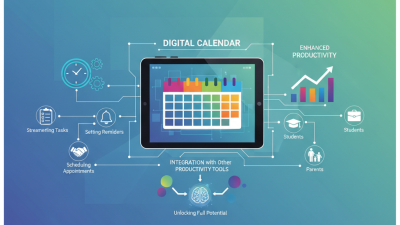
A digital calendar is a powerful tool for effective time management. By integrating it with productivity apps, you can enhance your scheduling capabilities. This synergy allows for a more organized approach to your tasks and deadlines.
Tips: Choose apps that sync seamlessly. Look for ones that offer reminders and notifications. This will help keep you on track and prevent overlooking important tasks.
Many users struggle to manage different platforms. Make sure your calendar integrates well with your email client or project management tools. This way, all your commitments are centralized. Syncing can be a hassle, but it’s worth the effort for clarity.
Tips: Set recurring reminders for repetitive tasks. This will free up cognitive space for more complex projects. It’s easy to forget small things, so use technology to stay accountable.
Remember to regularly review your calendar. Adjust your priorities as needed. Mistakes in scheduling can lead to stress. Reflect on what works for you and what doesn’t, and be willing to change approaches when necessary.
Tips for Optimal Scheduling and Time Blocking in Digital Calendars
Using a digital calendar effectively can transform your time management skills. Time blocking is a key technique. This method involves designating specific periods for focused work. By grouping similar tasks, you reduce the mental load and improve efficiency.
To implement time blocking, start by identifying your most important tasks. Allocate realistic time slots for each task. Ensure you include breaks to recharge. Consider color coding your tasks. This can provide quick visual cues about your priorities.
Another useful tip is to review your week in advance. Spend a few minutes every Sunday planning the upcoming week. Reflect on previous commitments. Ask yourself what worked and what didn’t. This process encourages mindfulness and allows for adjustments. Not everything goes as planned. Embrace flexibility; it's part of effective time management.
Effective Time Management Using a Digital Calendar
Analyzing Data and Trends for Continuous Improvement in Time Management
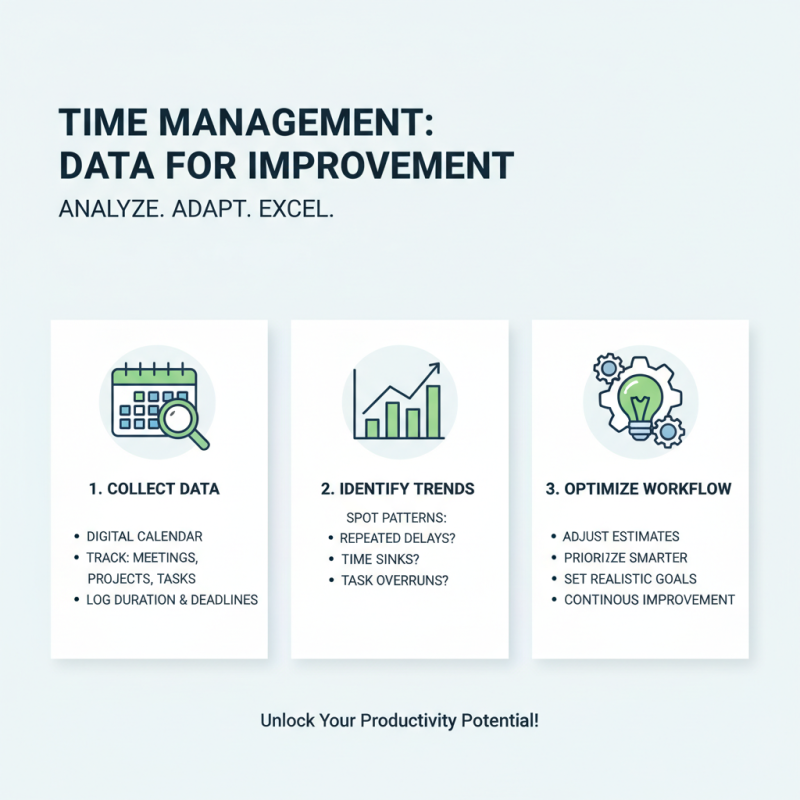
Analyzing data and trends is crucial for improving time management. A digital calendar can collect insights on how we spend our time. For example, tracking meetings, project deadlines, and personal tasks can reveal patterns. You might notice that certain tasks are consistently taking longer than expected. This information is valuable for understanding your workflow.
Identifying these trends allows for meaningful adjustments. If you find that afternoon hours are unproductive, consider shifting challenging tasks to the morning. Reflection on past data helps refine strategies. When you consistently analyze your calendar entries, you uncover areas for improvement. A simple change, like blocking out focused work time, can yield significant results.
It's essential to recognize where inefficiencies lie. Maybe you're overscheduling or not allocating enough time for breaks. These insights are not always comfortable to face. Embracing a mindset of continuous improvement encourages growth and productivity. Keep assessing your calendar. Your time management skills will evolve as you adapt to your findings.