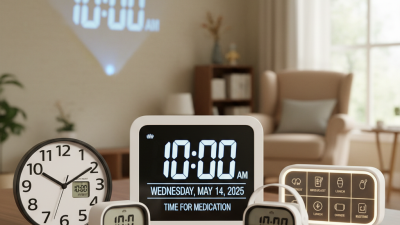
Digital Calendar Clock Tips for Maximum Productivity Today?
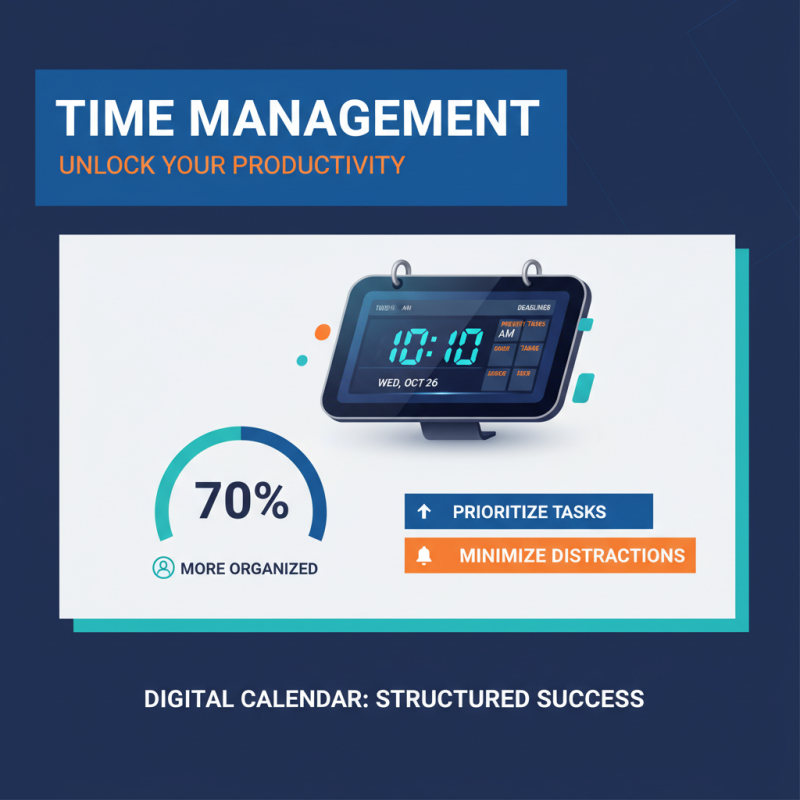
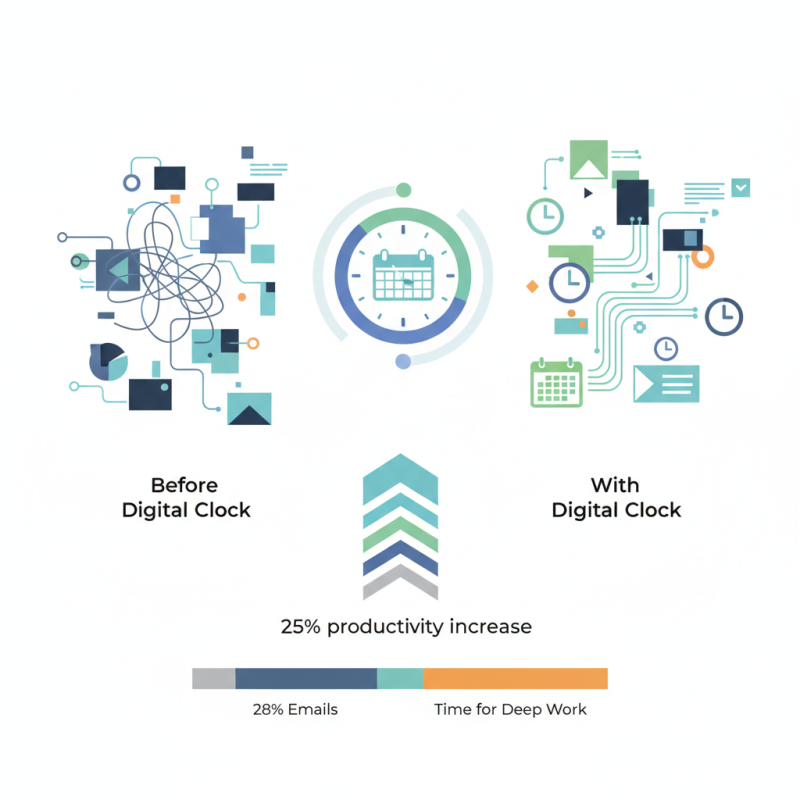
In today's fast-paced world, managing time is critical for success. A Digital Calendar Clock can significantly boost productivity. According to a report by McKinsey, employees spend around 28% of their workweek managing emails. This indicates a need for effective tools that streamline time management.
The Digital Calendar Clock serves as an integrated solution. It combines a calendar and a clock, offering reminders and time tracking. This dual functionality can help set priorities and stay focused on tasks. A study from the University of Illinois found that structured time management can increase productivity by up to 25%. However, users often overlook its potential.
While most people set up their Digital Calendar Clocks, they fail to use the features fully. Many often disregard setting reminders or tracking their time. This leads to missed deadlines and increased stress. Reflecting on this, it's crucial to engage more deeply with our time management tools. The Digital Calendar Clock can transform our day-to-day productivity if used effectively.
Understanding the Features of Digital Calendar Clocks
Digital calendar clocks offer various features that can enhance your productivity. These clocks combine timekeeping with scheduling tools. You can view your day at a glance, which makes planning easy. Many digital calendar clocks display the date, time, and upcoming events simultaneously. This helps you avoid the common trap of forgetting important tasks.
Customization is a key feature to explore. You can set alarms for meetings or deadlines. Some models allow color coding for different activities. This visual aspect can motivate you to stay on track. However, not all users utilize these features effectively. Many rely on basic functions, missing the benefits of advanced settings.
Setting reminders is helpful, but they can also become overwhelming. If notifications become frequent, it can lead to distraction. Reflecting on your usage of a digital calendar clock is crucial. Are you making the most of its features? Evaluate whether the clock is aiding your productivity or adding to your stress. Make adjustments where necessary to find the best balance for your workflow.
Digital Calendar Clock Usage by Feature
Setting Up Your Digital Calendar Clock for Optimal Use
Setting up your digital calendar clock correctly can greatly enhance your productivity. According to a survey by the American Psychological Association, 63% of professionals feel overwhelmed by their tasks. A well-organized digital calendar can help manage these feelings. Start by incorporating color coding for different tasks. For example, use one color for work meetings and another for personal appointments. This makes it easier to visualize your day.
Additionally, utilizing reminder alerts can keep you focused. Research shows that people are 50% more likely to stay on task with timely nudges. However, you should be cautious about overloading your schedule. Filling every hour can lead to burnout. Allow for short breaks between tasks. Keeping a few empty slots in your calendar can offer necessary breathing space.
Moreover, reflect on how your current habits affect your productivity. Often, we underestimate the impact of poorly planned time. According to a study by DeskTime, top performers work in focused bursts of 52 minutes followed by a 17-minute break. Adjusting your calendar to reflect these intervals could be beneficial. Digital tools can be powerful allies if used with intention.
Integrating Productivity Tools with Your Digital Calendar Clock
Integrating productivity tools with your digital calendar clock can transform your daily routine. A calendar is not just for marking appointments. It's a powerful ally in managing your time effectively. Consider linking task management apps directly to your calendar. This helps visualize deadlines and upcoming tasks together.
Visual reminders can enhance focus. Set reminders for tasks and meetings to pop up on your digital clock. It's essential to strike a balance. Too many alerts can become overwhelming. You may find yourself tuning out the notifications entirely.
Assessing your workflow is crucial for improvement. Are there tasks that take longer than expected? Use your calendar to track this. You could discover patterns or bottlenecks in your day. Evaluating these details offers insight into enhancing your productivity. Don't hesitate to adjust your tools to better suit your changing needs.
Digital Calendar Clock Tips for Maximum Productivity Today? - Integrating Productivity Tools with Your Digital Calendar Clock
| Productivity Tool |
Integration Type |
Usage Frequency |
Benefits |
| Time Management App |
Calendar Sync |
Daily |
Improved scheduling and prioritization |
| Task Management Tool |
Appointment Reminders |
Weekly |
Keeps tasks organized and on track |
| Time Tracking Software |
Data Insights |
Monthly |
Identifies productivity patterns |
| Collaboration Tool |
Shared Calendar |
Ongoing |
Facilitates team communication |
| Email Client |
Event Scheduling |
Throughout the Day |
Streamlines meeting coordination |
Maintaining Your Digital Calendar Clock for Longevity and Accuracy
Maintaining your digital calendar clock is crucial for productivity. According to industry reports, about 30% of users experience decreased efficiency due to inaccurate calendar settings. Regular updates are vital to ensure longevity. Updating your clock weekly may seem excessive, but it can drastically improve your time management skills.
Dust and debris can affect your device's performance. Ensure your calendar clock is cleaned regularly. A microfiber cloth works well for this. However, even well-maintained devices can drift in time accuracy over months. Research shows that devices can lose up to 2 minutes monthly without calibration. This small discrepancy can lead to missed meetings or deadlines.
Inconsistent syncing with your devices can create confusion. Ensure your digital calendar clock is synced across all devices. Studies indicate that 45% of users struggle with synchronization, impacting their daily routines. Instead of relying solely on technology, develop a habit of double-checking your schedule each day. This practice can help you catch errors early.